Get your students started in 5 minutes
Get your class into their first Python exercise, with nothing to install. Start from your Teacher home page.
Need an account first? Sign up (if you haven't already).
1. Create a classroom
Choose + New Classroom, a game and a short course. Greedy Pig with Python Foundations for Greedy Pig gives students a short route into writing a game-playing program. Choose Python Fundamentals for a broader introduction.
Set an expiry date for the end of your term or unit. Without one, the classroom closes after 24 hours.
2. Share the student login link
Copy the classroom card's Student login link into Teams, Google Classroom or wherever students find your lesson links. Students use it to sign up and join your class, then return to the same link to log in next lesson.
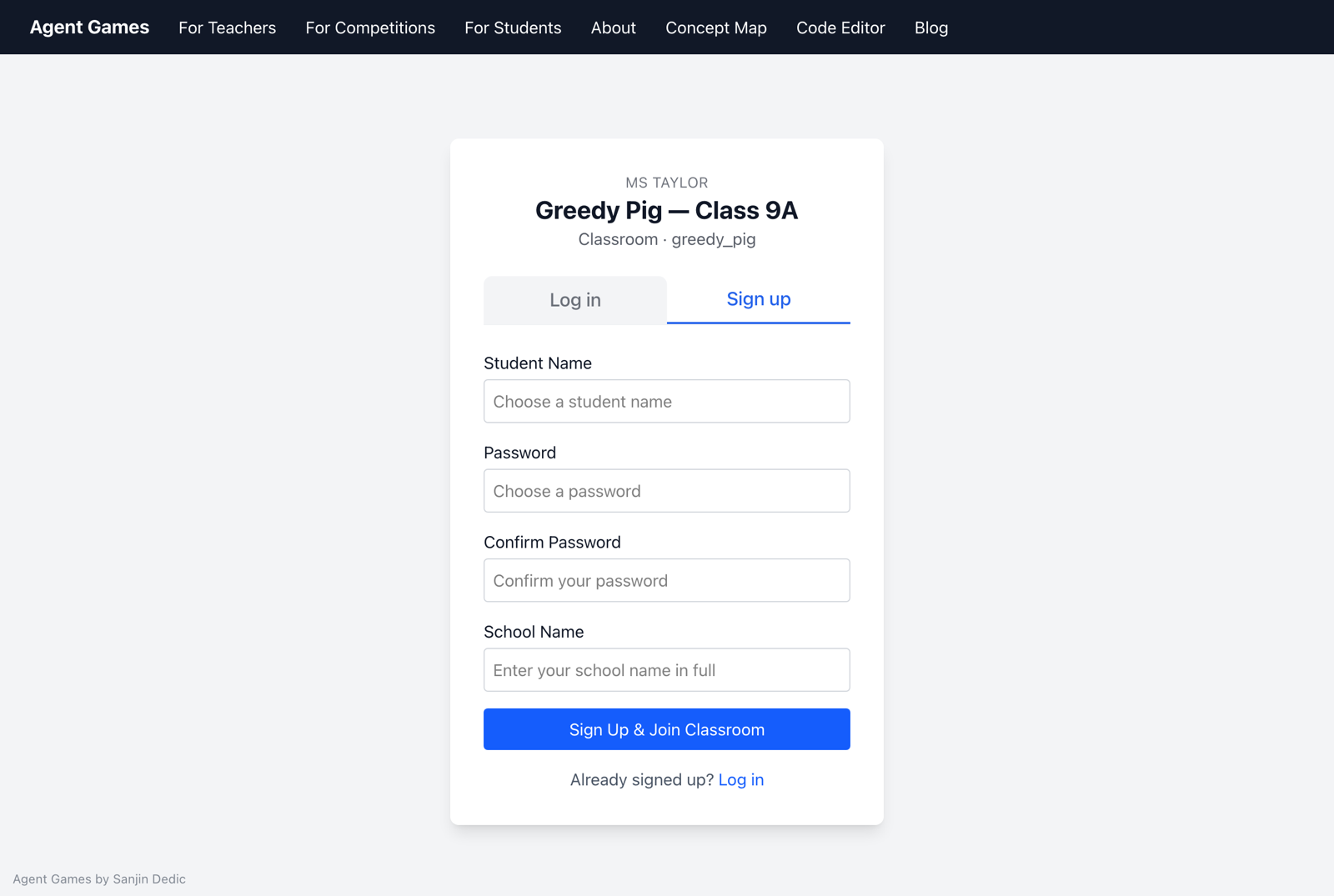
3. Start the course and see who needs help
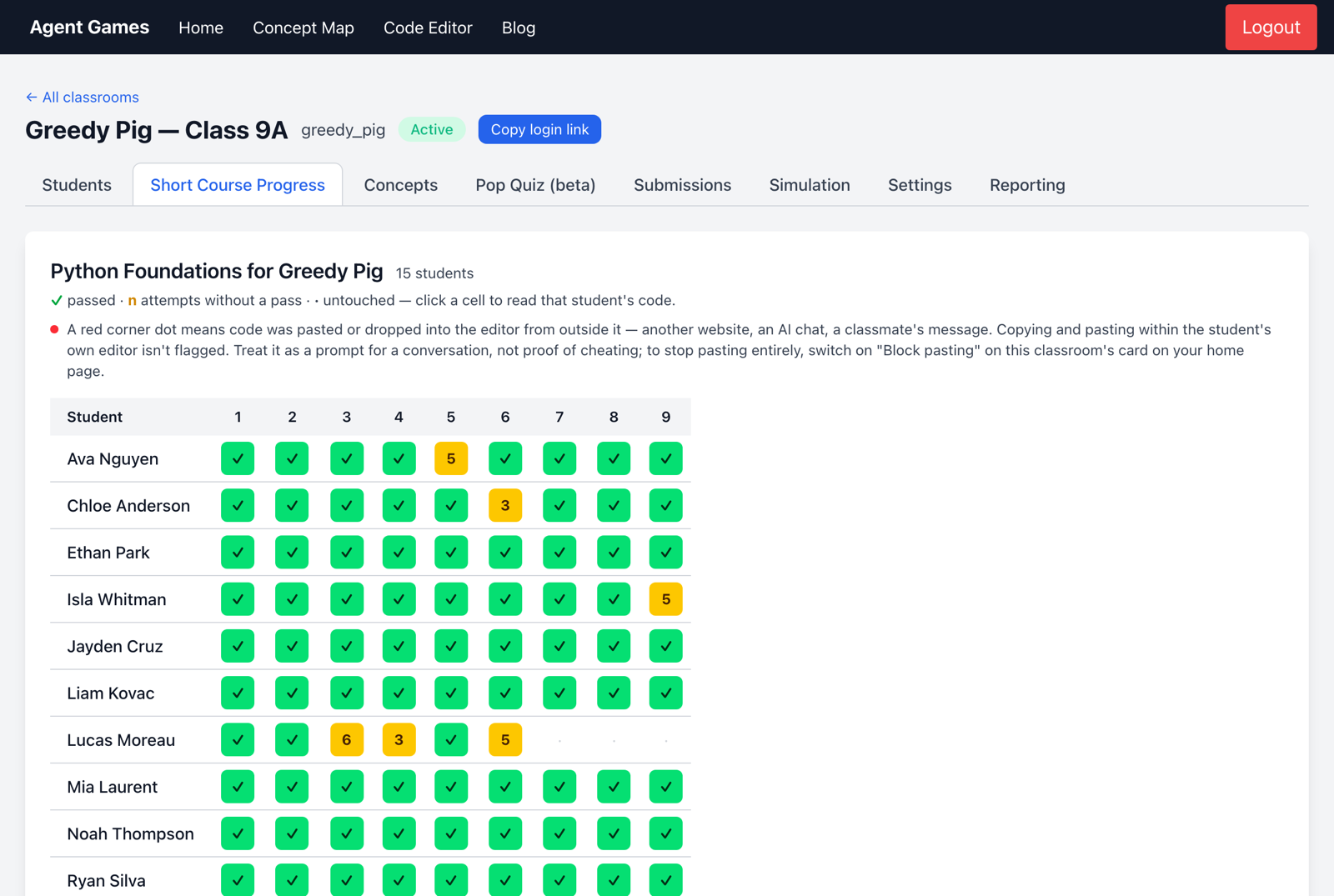
Ask students to open Short Course and try the first exercise. Open your classroom: Students shows who has joined, and Short Course Progress shows who is passing exercises and who is making repeated attempts.
A student can't log in? Use Actions → Login link on the Students tab to give that student a personal login link.
Next: the Classes guide helps you find your courses, plan and classroom tools.