Classes
Your Teacher home page is the starting point for a lesson: open a class, share its login link and check your access. Create one classroom per class to keep progress, quizzes and tournaments separate.
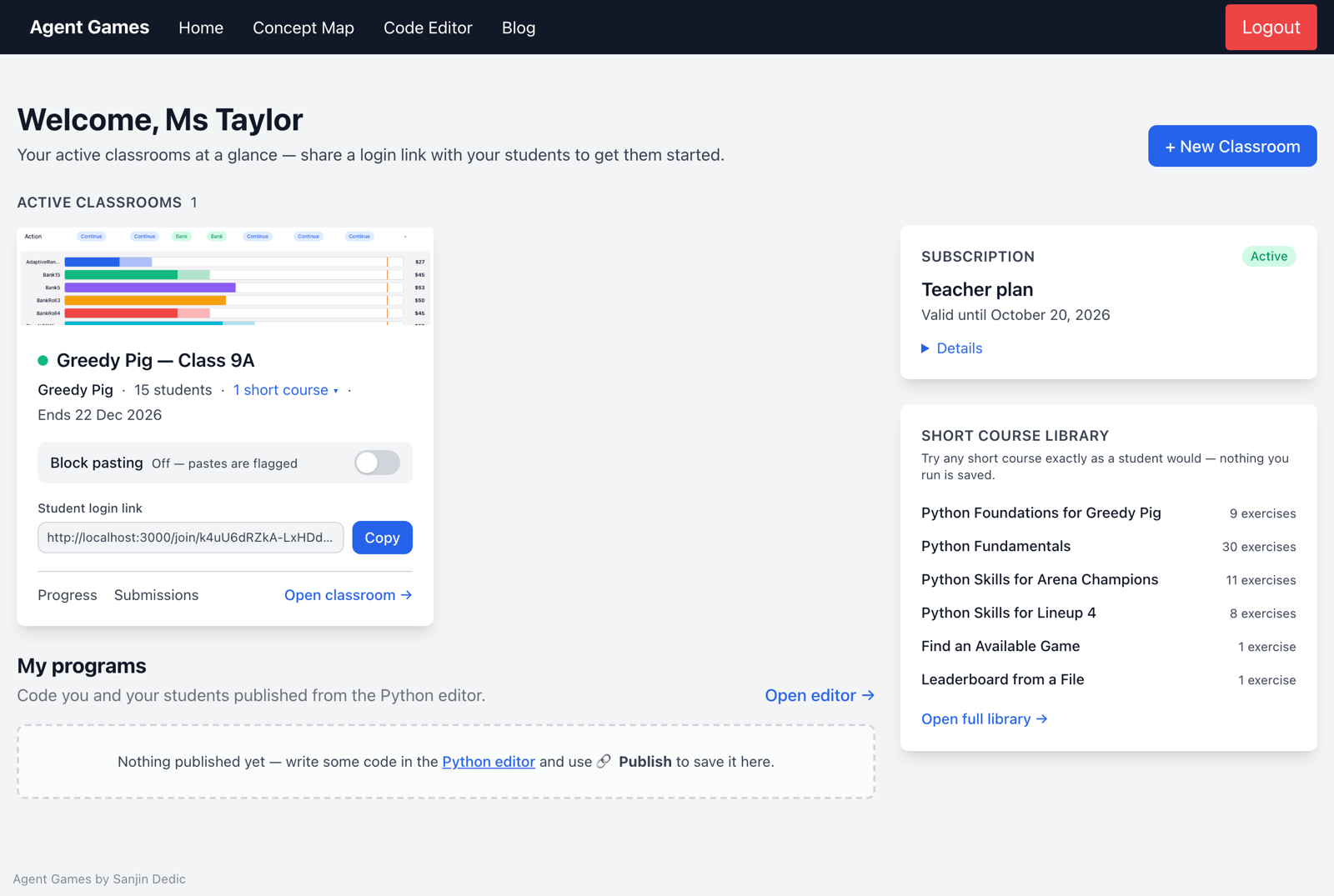
Classrooms
Each classroom card gives you the student login link and Open classroom →. Inside, the tabs answer different teaching questions:
| Tab | What it helps you decide |
|---|---|
| Students | Who needs help, who is ready for extension, and who has not been active? |
| Short Course Progress | Which exercise is holding students up? |
| Concepts | What should I reteach to the class or revisit with an individual? |
| Pop Quiz (beta) | Can students apply what they have practised? |
| Submissions | How are students improving their game strategies and code? |
| Simulation | How do the class's agents perform against each other? |
| Settings | Which courses, access dates and classroom expectations should apply? |
| Reporting | What evidence can inform feedback and parent reports? |
Returning to earlier work
Expired classrooms lets you open a class's settings to extend its expiry within your subscription. Unassigned students lets you place students who no longer have a classroom into an active one.
My programs collects projects you and your students publish from the Python editor, so you can see work beyond the courses and games.
Explore the other parts of your home page: Programs, Subscription and Courses.