Simulation tab
Use Simulation to give students a shared test of their strategies. Run a tournament, discuss the results, then let students revise and resubmit. Class tournaments currently run on Greedy Pig.
Is it right for your class?
Tournaments come from Agent Games' origins in coding competitions. In a classroom they are entirely optional: the short courses, concept tracking and pop quizzes work without them.
Run one if you think your students will be motivated by seeing a leaderboard. Be aware that rankings tend to benefit the stronger students most; for students who are still building confidence, a public ranking can discourage more than it motivates.
We are working on an update that lets you choose which students take part in a simulation.
Run the tournament
The simulation uses each student's latest agent. Check who has not submitted before running it so students know whether they will take part.
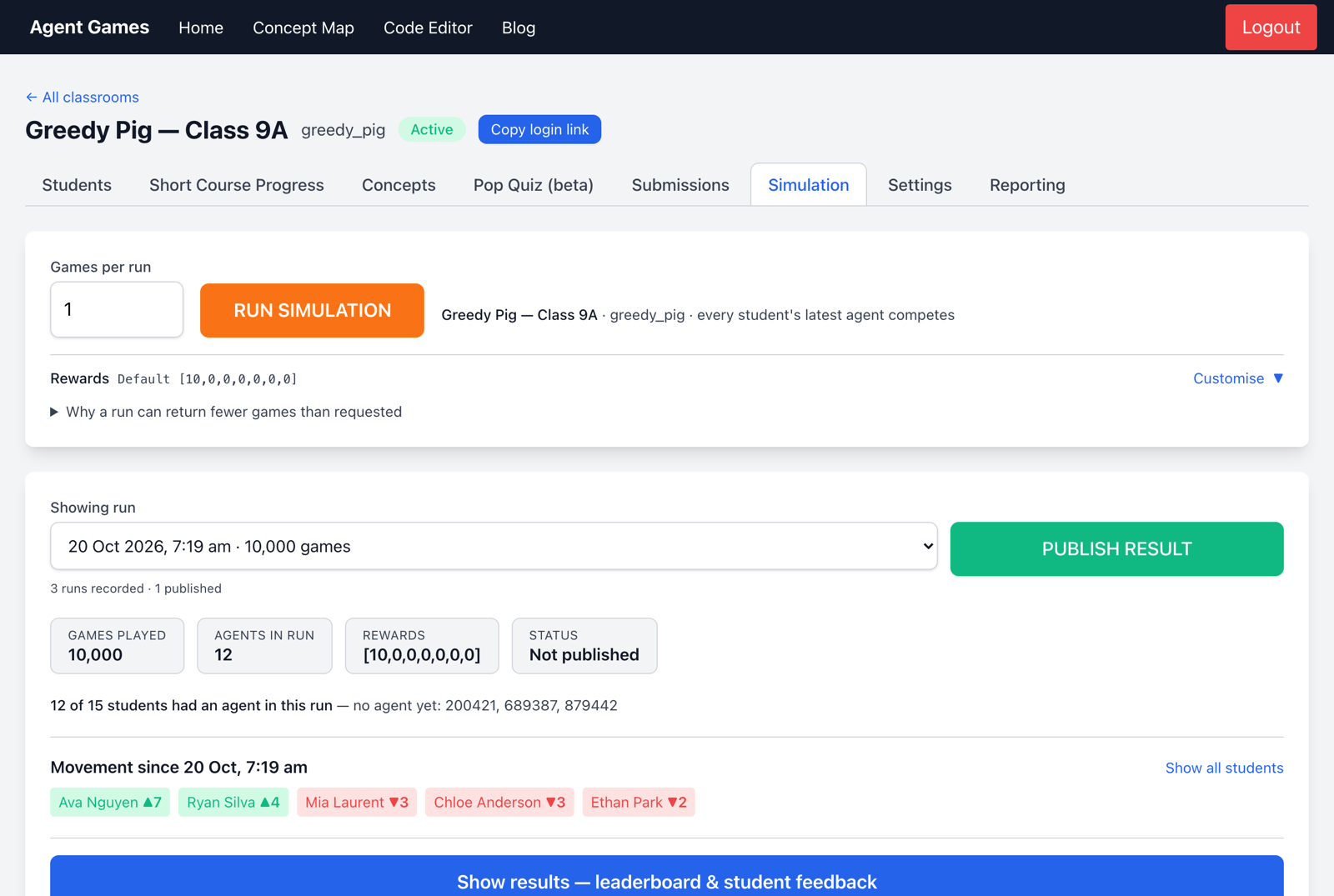
Games per run controls how many games the agents play. More games reduce the influence of luck. Customise changes the points awarded for each finishing position; explain your scoring to students before comparing strategies.
Choose Run Simulation to run the games in your browser, then Show results for the leaderboard and student feedback.
Share results and plan improvements
Publish Result makes the leaderboard available to students and gives you a shareable link to display in class.
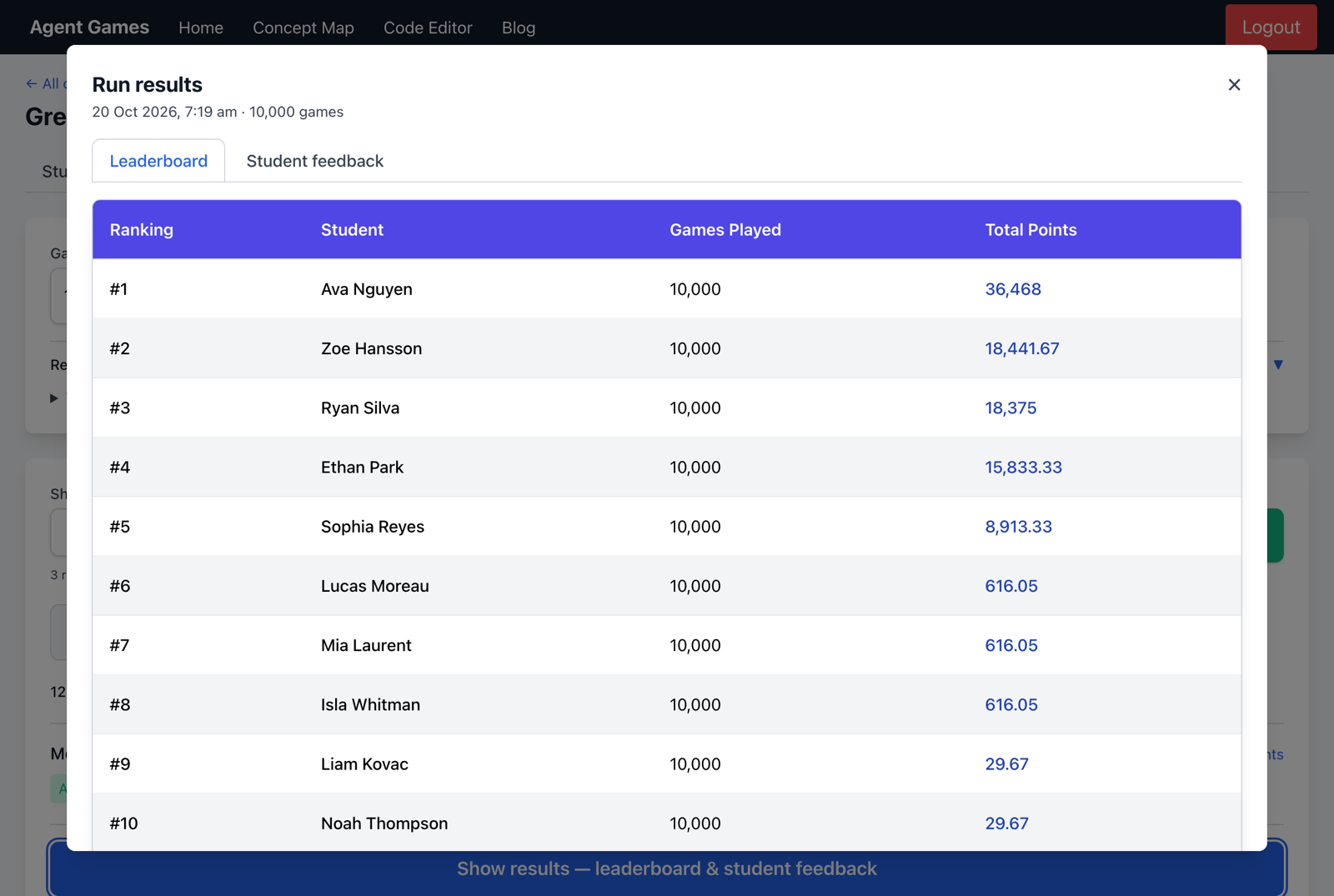
Ask students what helped their agent, where it struggled and what they will change next. A regular end-of-lesson tournament gives them a reason to test an improvement. Add the schedule to Classroom Info in Settings.